


—
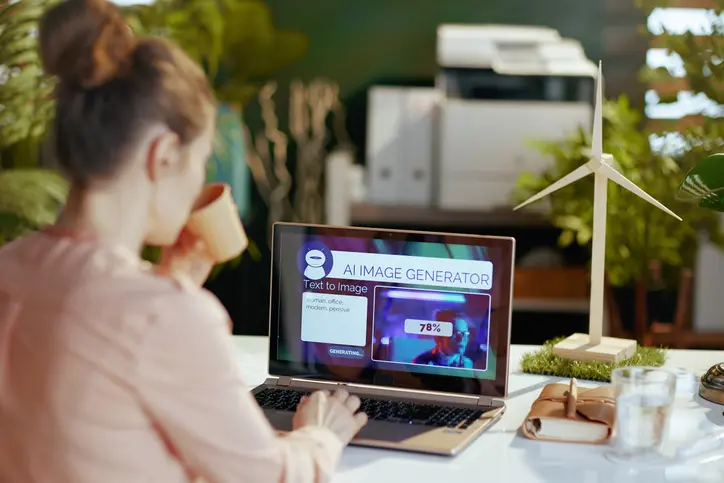
In the past, creating visual content required switching between multiple apps to generate, edit, resize, and prepare images for final delivery. Creators and marketing teams can now do more of these jobs from a single platform using AI-based technologies, and adapt the models they use to the specifics of each project.
Tools like AI Image Editor streamline several processes involved in creating and modifying images. Anyone who often needs product images, social media graphics, advertising concepts, thumbnails, posters, or any other digital asset will find this helpful. This includes designers, ecommerce teams, marketers, and content providers.
Choosing an AI Model Based on the Task
No two projects call for the same kind of picture model. Which option is best depends on the final product you’re aiming for, the photos you have on hand, any relevant references, and the level of refinement you plan to apply.
If your workflow requires creating or altering graphics from instructions and pre-existing images, consider using a GPT image 2 image generator. The platform also offers the Nano Banana 2 AI image generator as an additional option. Instead of forcing users to use a single method for all their visual generation needs, AI Image Editor gives them access to multiple model pages, including Seedream 5 Lite.
Teams working on various forms of content may find this model-selection strategy very useful. A social media team may start with a written idea and establish a first creative direction. Still, an ecommerce team may start with an existing product photo and improve its presentation.
From Generation to Practical Image Editing
Creating a picture is frequently just the first step in making content. Before publishing, assets could still need additional visual modifications such as removing backgrounds, resizing, or enhancing.
For the latter steps, you can use tools like Image Upscaler and Background Remover when a current visual needs to direct the composition or look of a new version; reference-led and image-to-image procedures may also be quite helpful. This can make it easier to prepare material without constantly transferring files between unrelated programs.
Beyond still photos, AI-assisted processes can go much further. Teams can use the available model pages to investigate multiple processes, such as text-to-video, image-to-video, reference-to-video, or video editing, depending on the project’s nature. Both the original content and the desired end format should be considered while making this decision.
Building AI Into a Content Workflow
Beyond simply increasing the number of photographs generated, AI image technologies have real-world applications. In doing so, it provides teams with more options for taking an idea or existing asset through the review, refinement, and preparation stages of content creation.
When it comes to matters of publishing, visual correctness, and brand consistency, human assessment is still paramount. In addition to the platform terms and conditions, model-specific license terms, and applicable third-party rights, businesses intending to use them commercially should review these documents. Before publishing AI-generated or altered content for commercial use, it may be necessary to address copyright, trademarks, and the likeness of an individual.
—

